
Global Care HQ
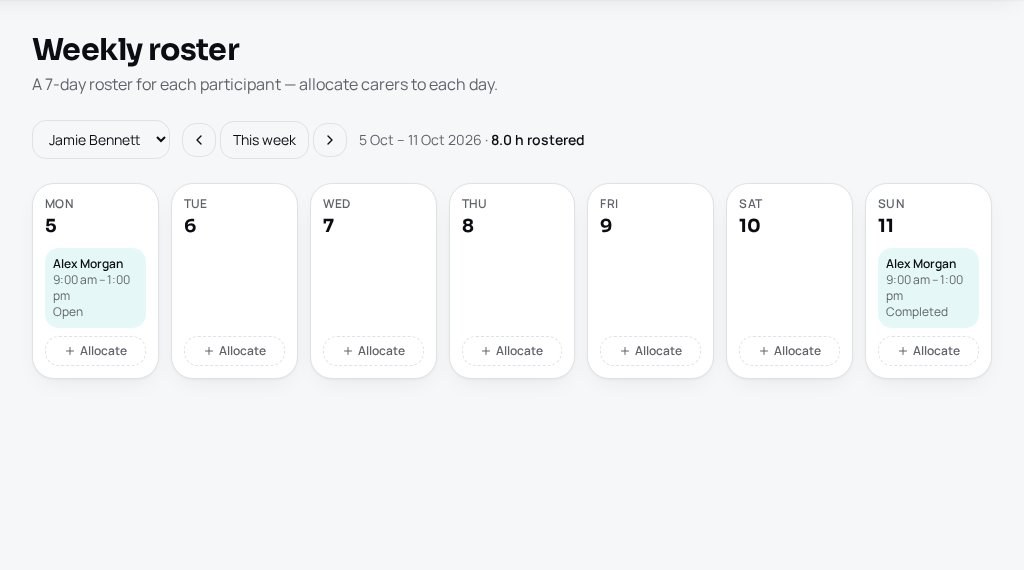
Seven-day weekly roster
A full week for each participant, with carers and hours together.



Features Guide
Care comes first. Everything else, connected.
For Australian NDIS providers
Explore the guide01 / 2201 / Daily schedule
The planner lists every visit for the day — participant, carer, start and finish time — so nobody has to phone around to find out what is happening.
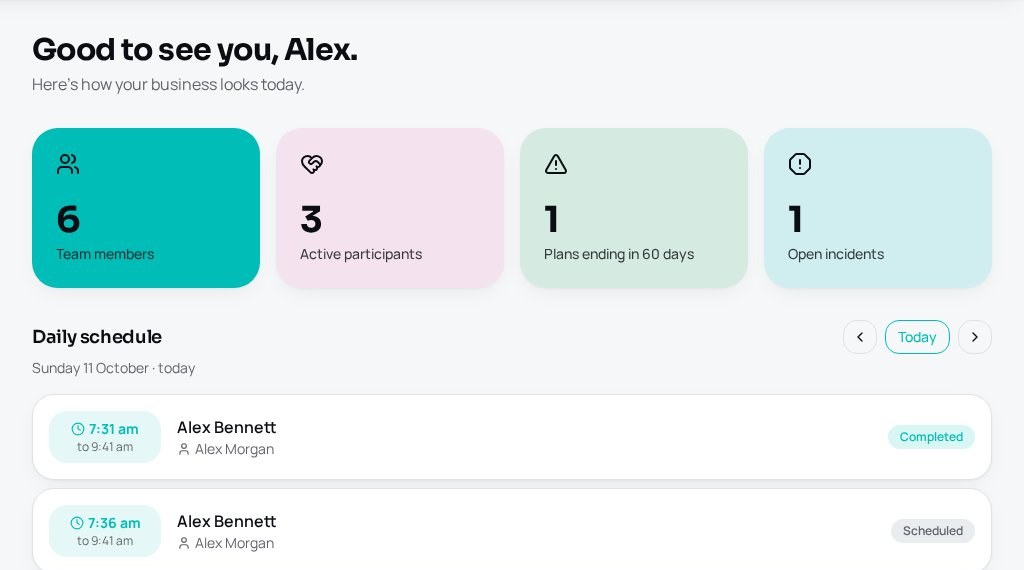
App screens shown with illustrative example details.
02 / Clocking on and off
A support worker taps one big button to start a visit and another to finish it. The app saves the time and the phone’s location to the visit, and only allows sign-on within 20 metres of that participant’s saved address.
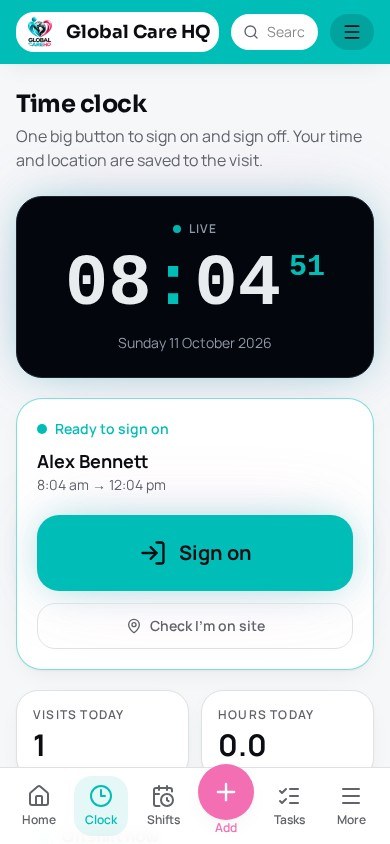
One big button starts the visit and stamps the time.
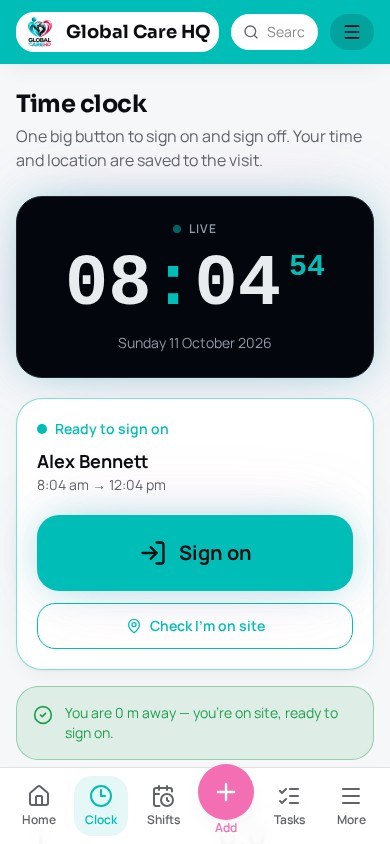
The app checks the phone is within 20 metres of the participant’s saved spot before it lets you sign on.
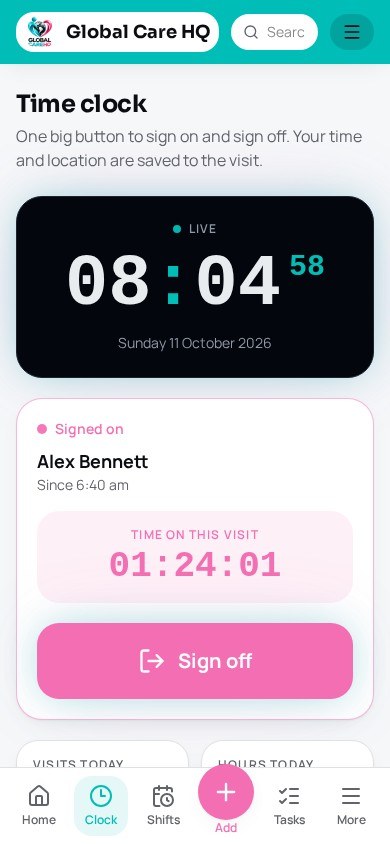
The clock shows how long the visit has run. Signing off saves the finish time and location.
Each participant has one saved sign-on point. Sign-on is blocked outside 20 metres of it.
03 / Care & connection
A full week for each participant, with carers and hours together.
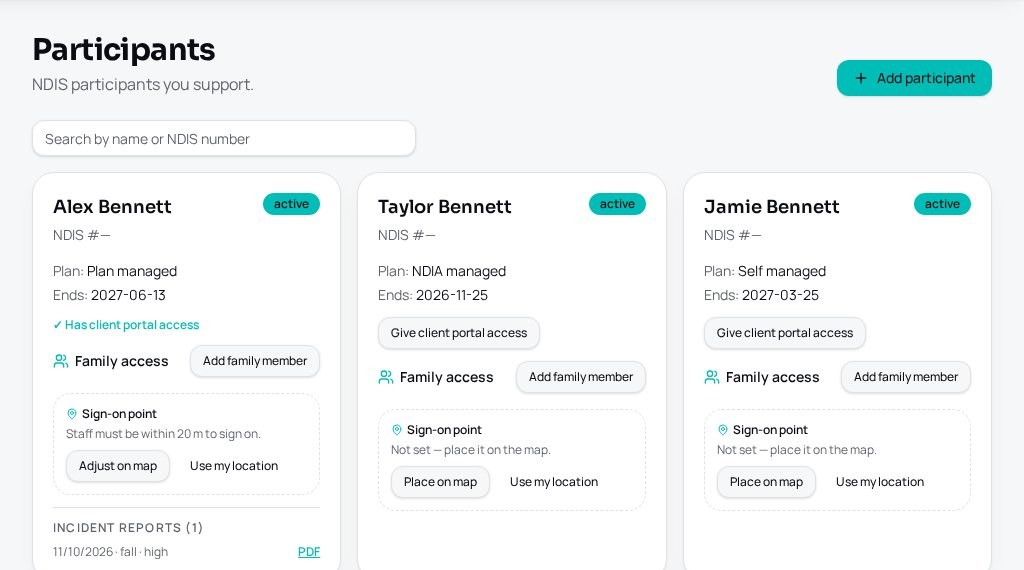
Care plans, contact details and the participant’s sign-on point.
Only the owner can move a sign-on point. Managers request changes, every change is logged and emailed, and unchecked sign-ons are flagged.
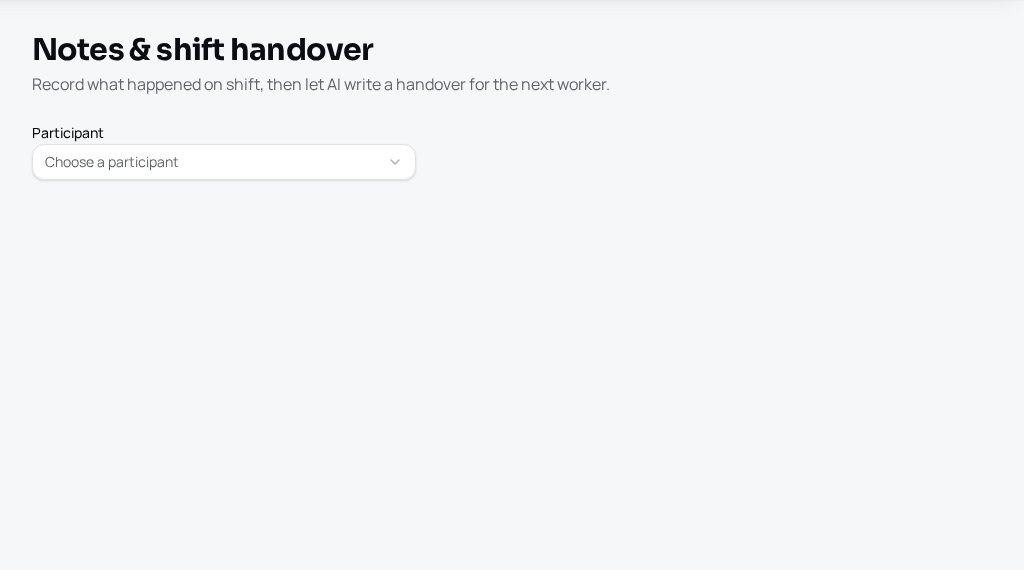
Staff type notes during the visit; the app turns them into a written handover for the next carer.
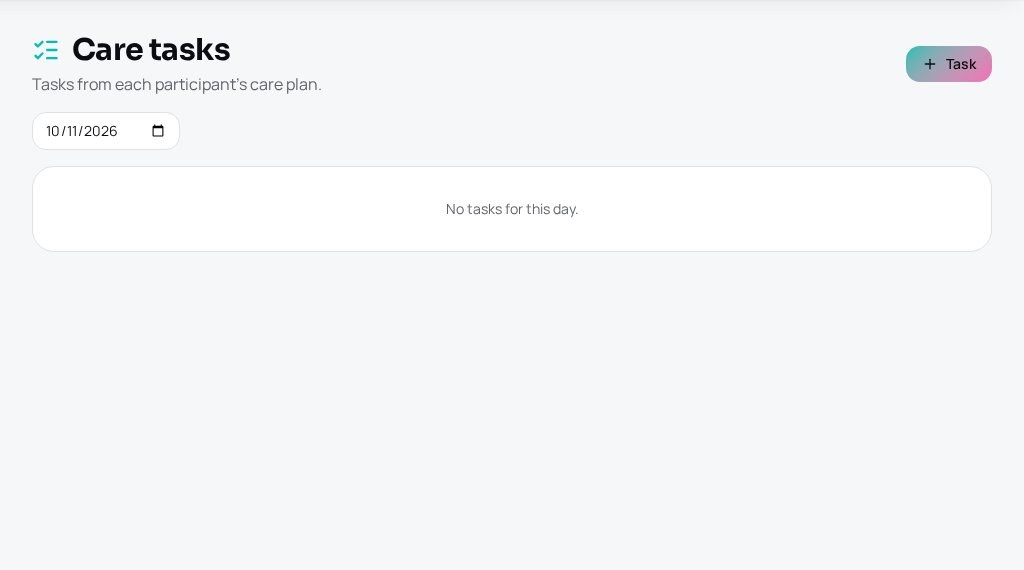
Participant tasks and checklists for each visit.
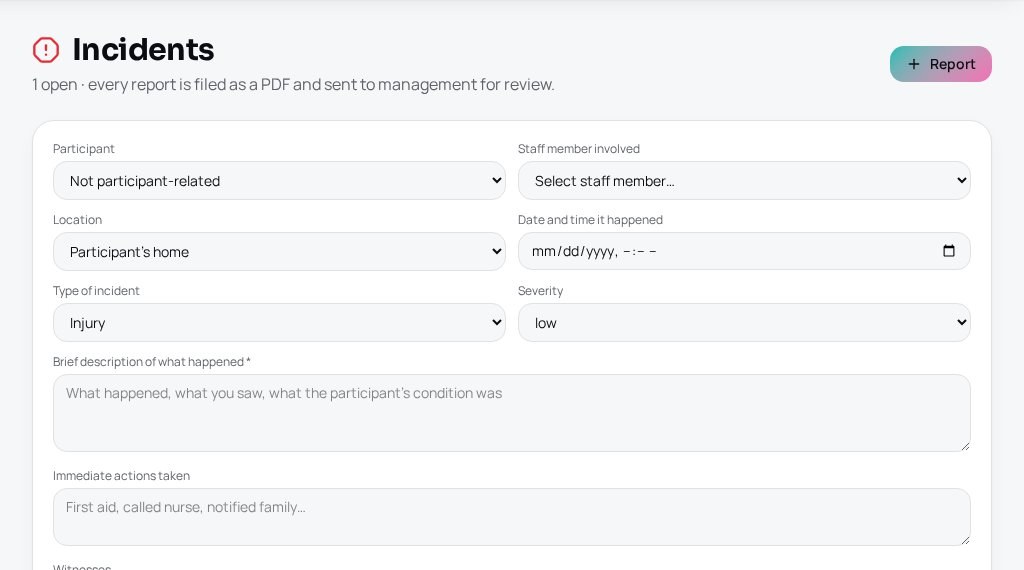
Record what happened and keep the report with the participant.
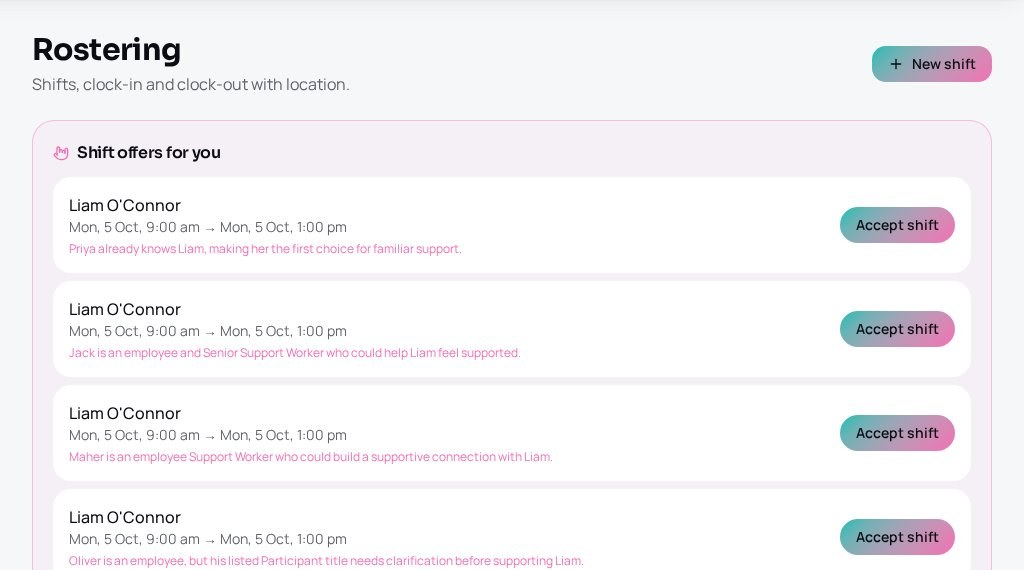
See visits that still need a carer and offer them to available workers.
04 / Invoices & business
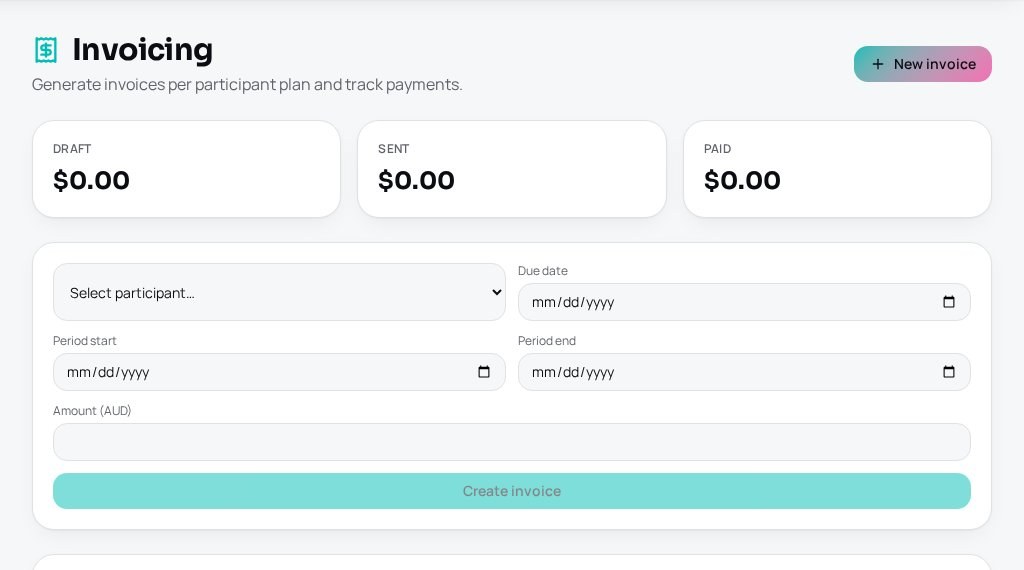
Prepare invoices against each participant’s plan and track payments.
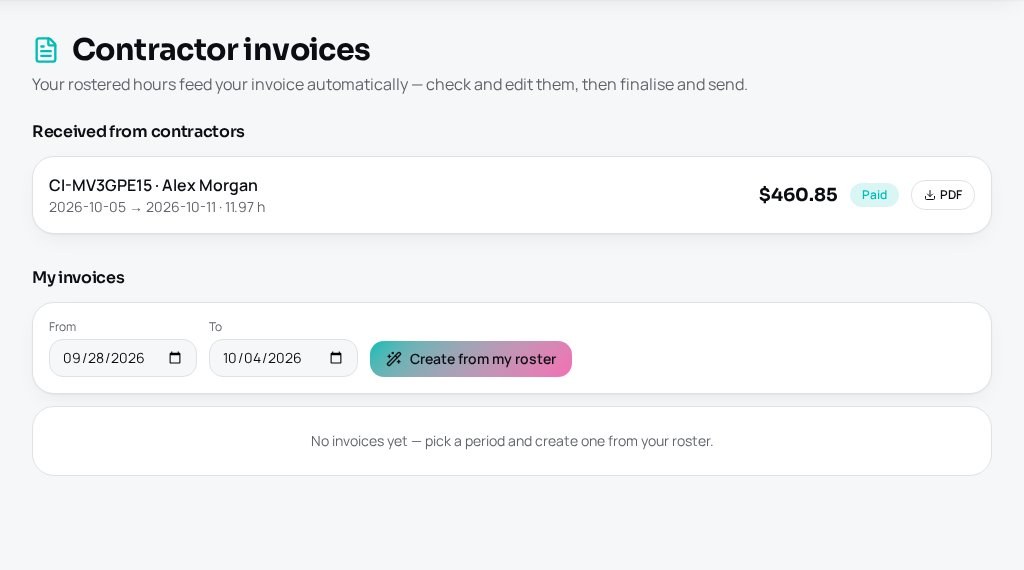
Roster hours, editable invoice lines and submitted contractor invoices.
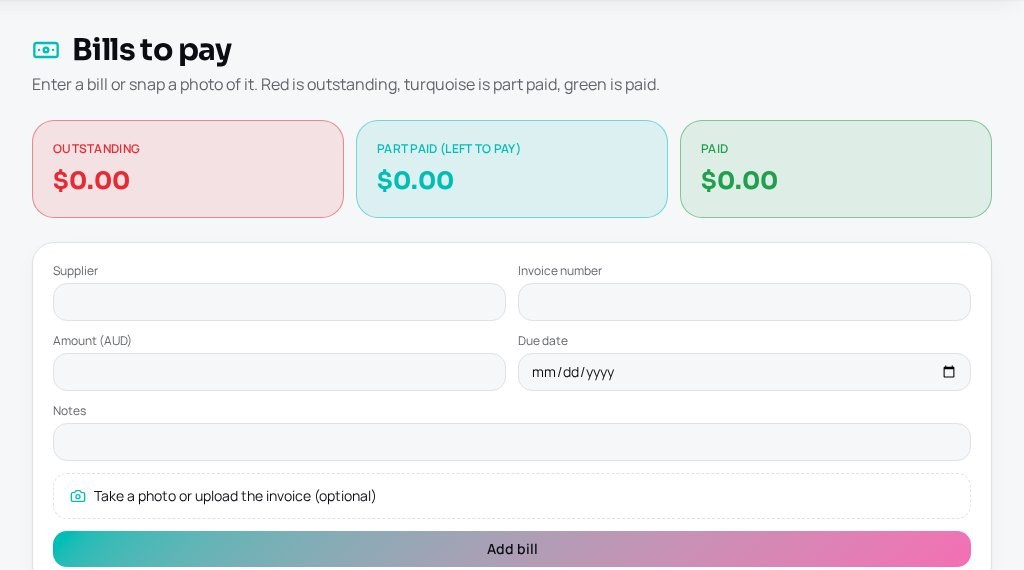
Add a bill or upload a photo, then track outstanding, part-paid and paid amounts.
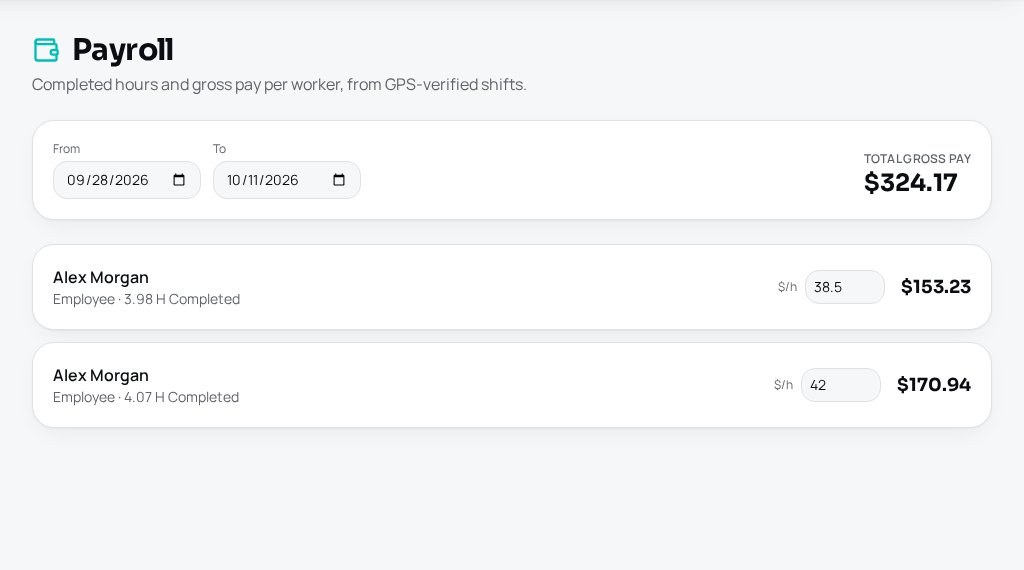
Worked hours and hourly rates brought together for your team.
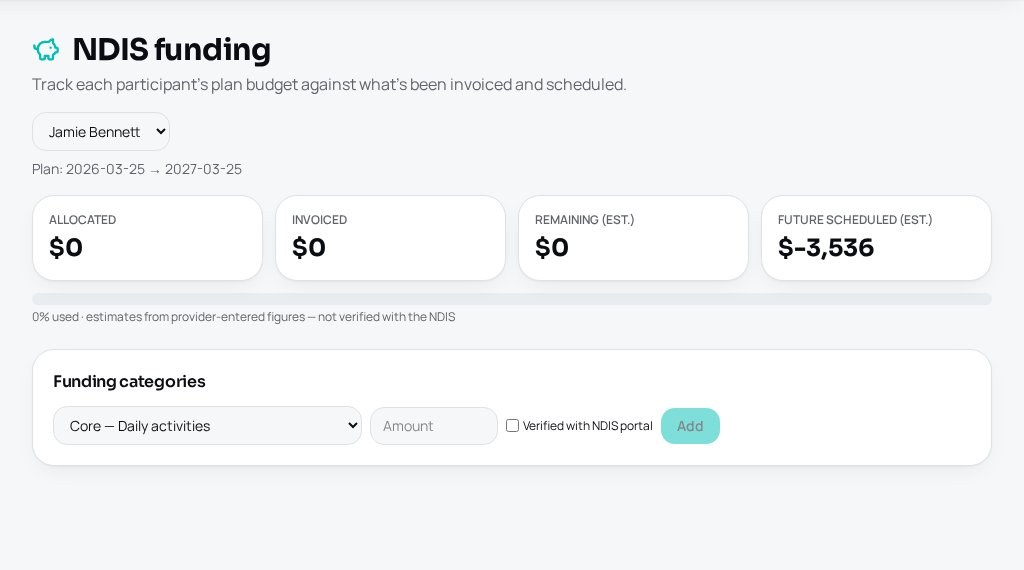
Plan dates, spending and estimated funding remaining.
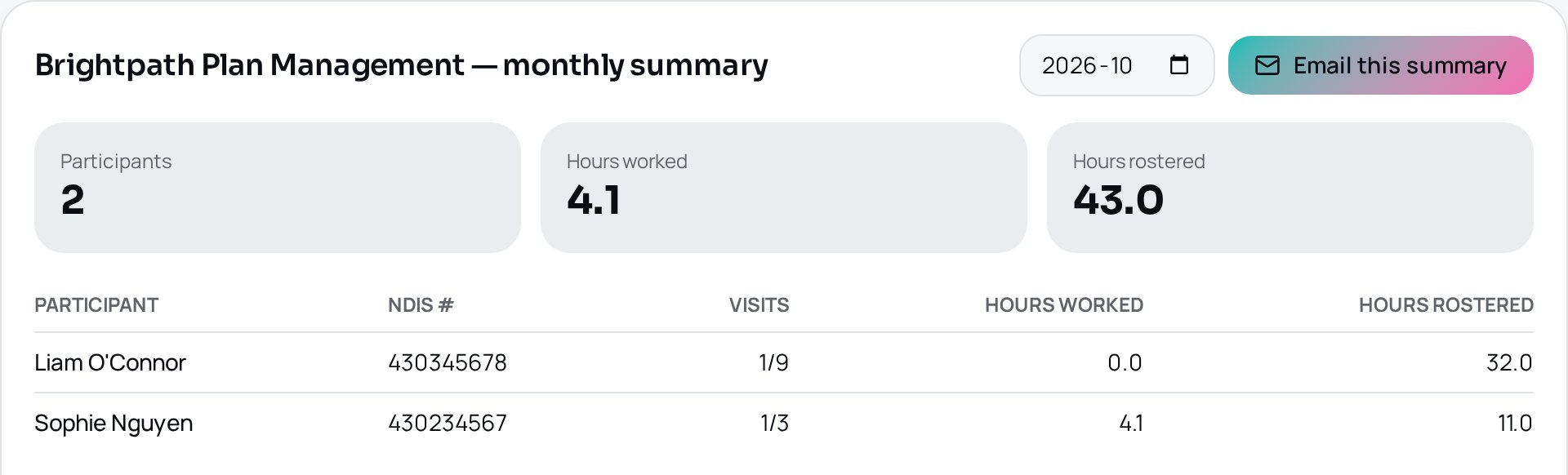
Each plan manager gets their own dashboard and a monthly PDF summary of hours and funding risk, emailed to any address you choose.
Workers, participants, expiring certificates, unfilled shifts, invoices, funding risk, revenue and profit — plus today’s appointments.
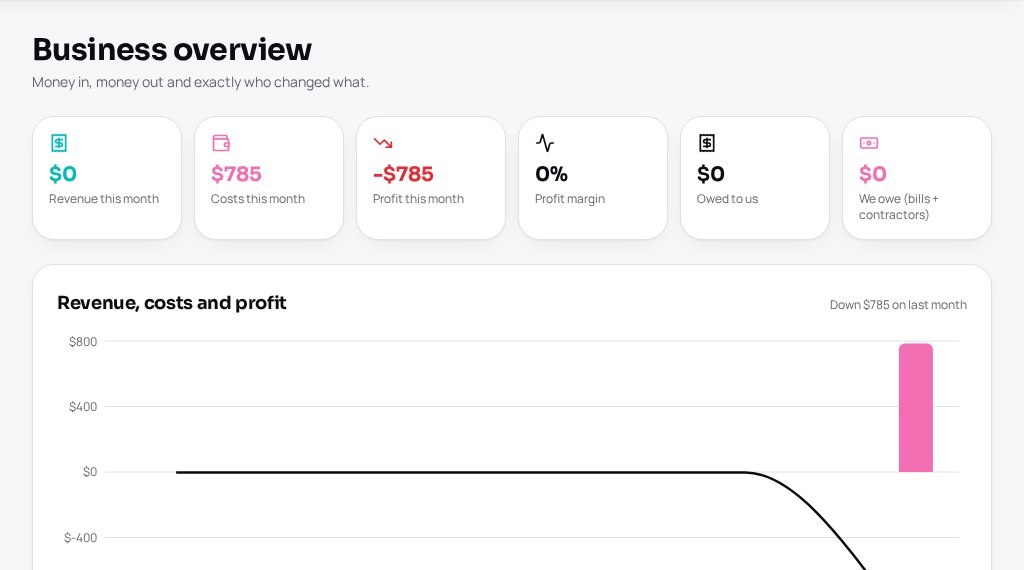
Revenue, costs and what changed in the business, in one view.
05 / Team & compliance
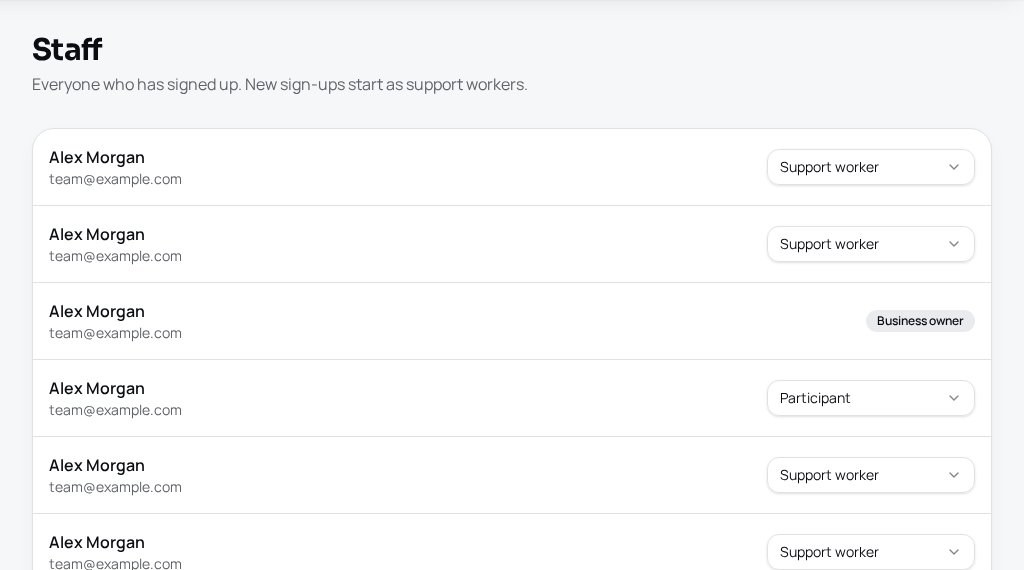
Your team, their roles and the access they need.
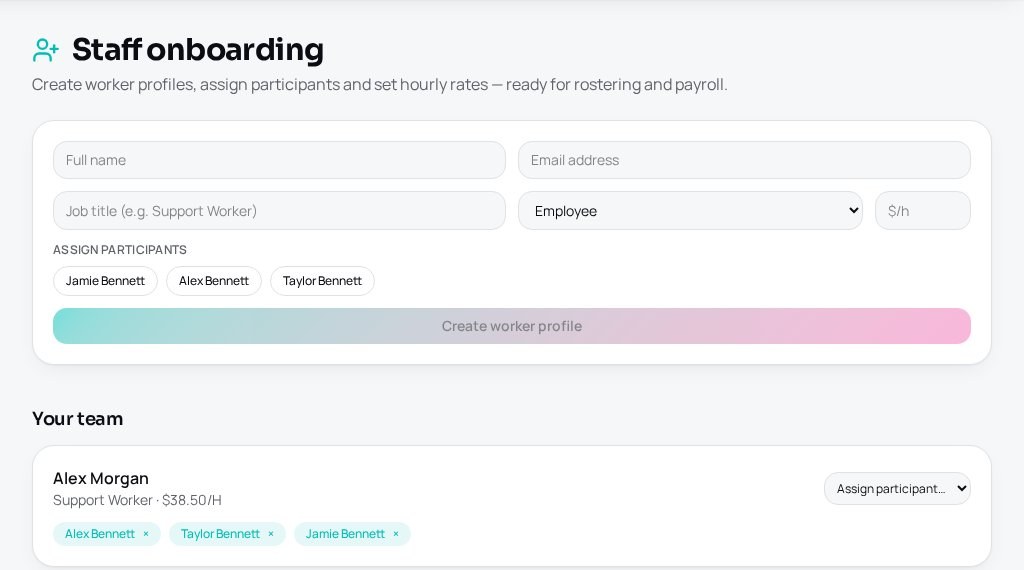
Create worker profiles, set rates and assign participants.
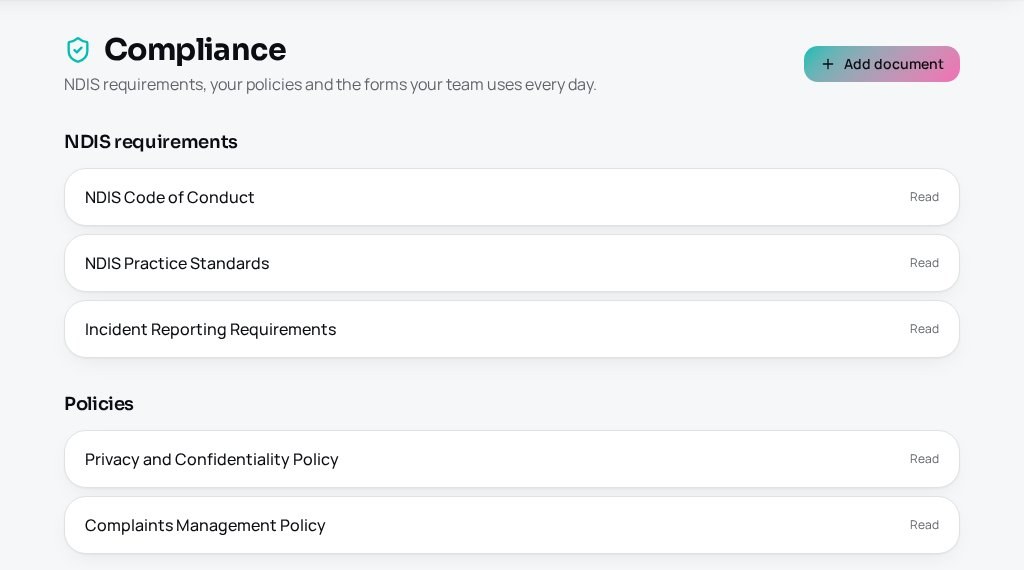
NDIS requirements, policies and forms together for your team.
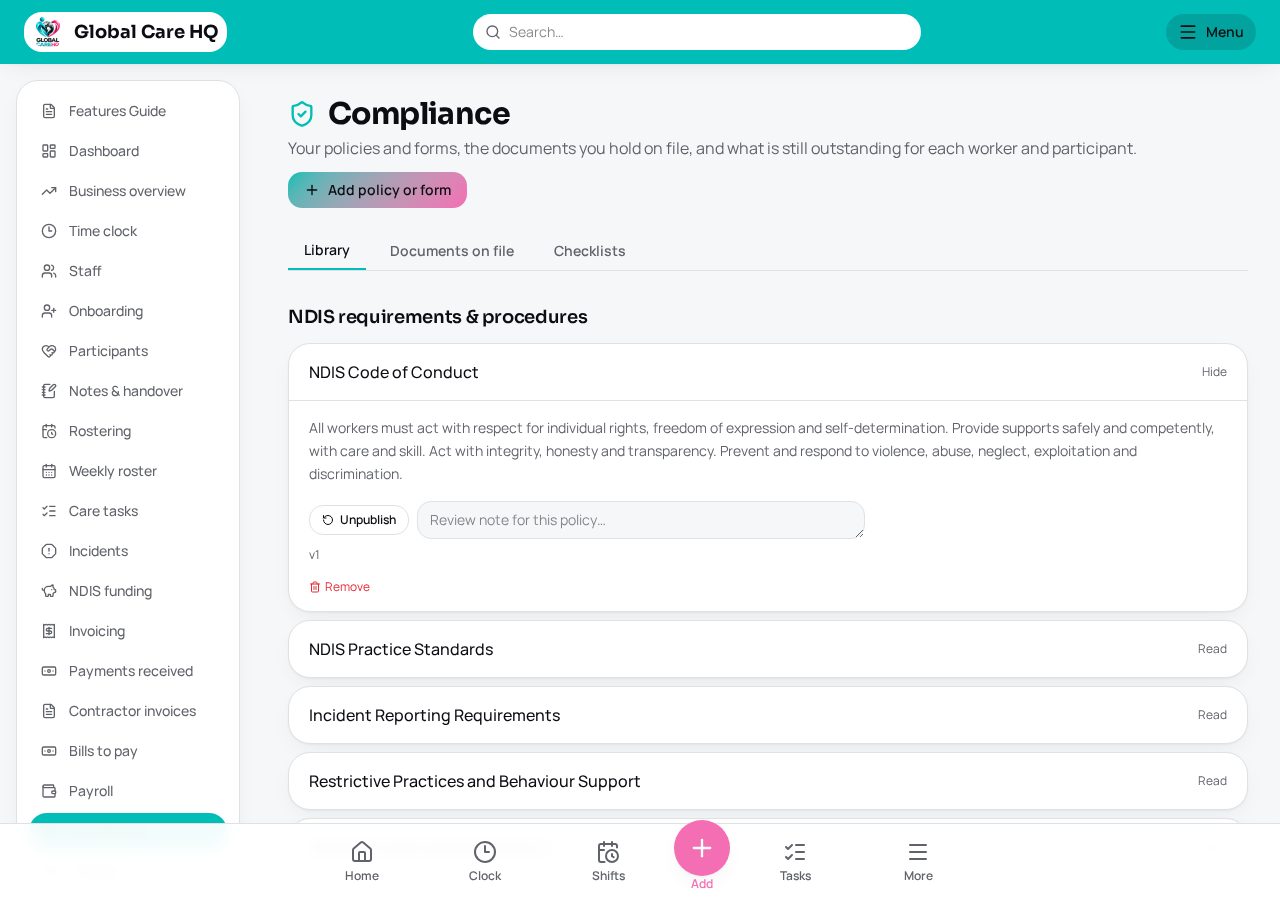
Write a policy as a draft, review it, then publish it for your team — staff only see approved versions.
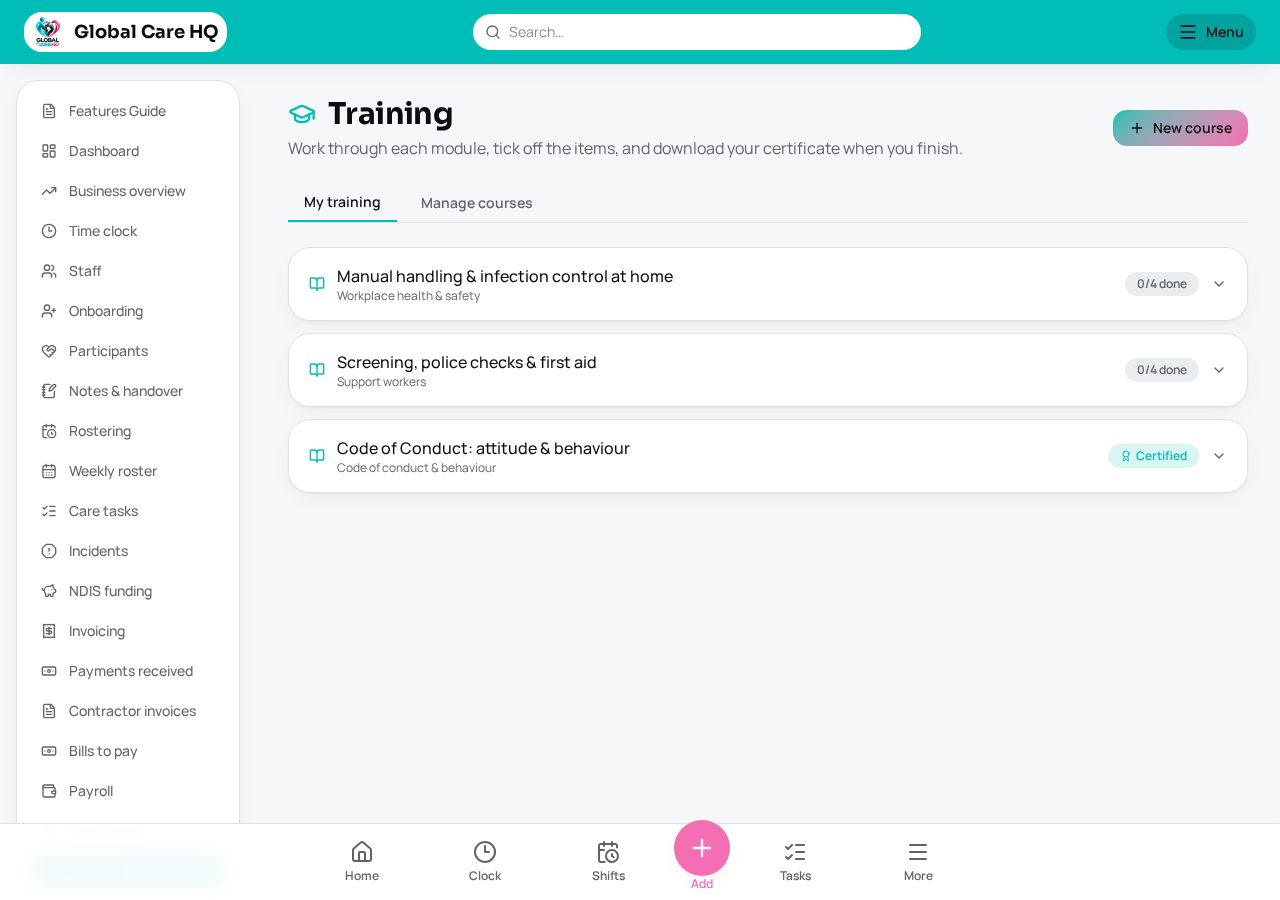
Staff and contractors work through each checklist item and download a numbered certificate.
Staff sign consent forms in the app, get a copy by email, and admins see who has signed.
One system for the roster, the visits, the notes, the money and the paperwork — so coordinators spend less time chasing phone calls and more time with participants.
App screens on this page use example details, not real participant records. Some notices — incident alerts and shift offers by email — are still being set up and are not being sent yet.